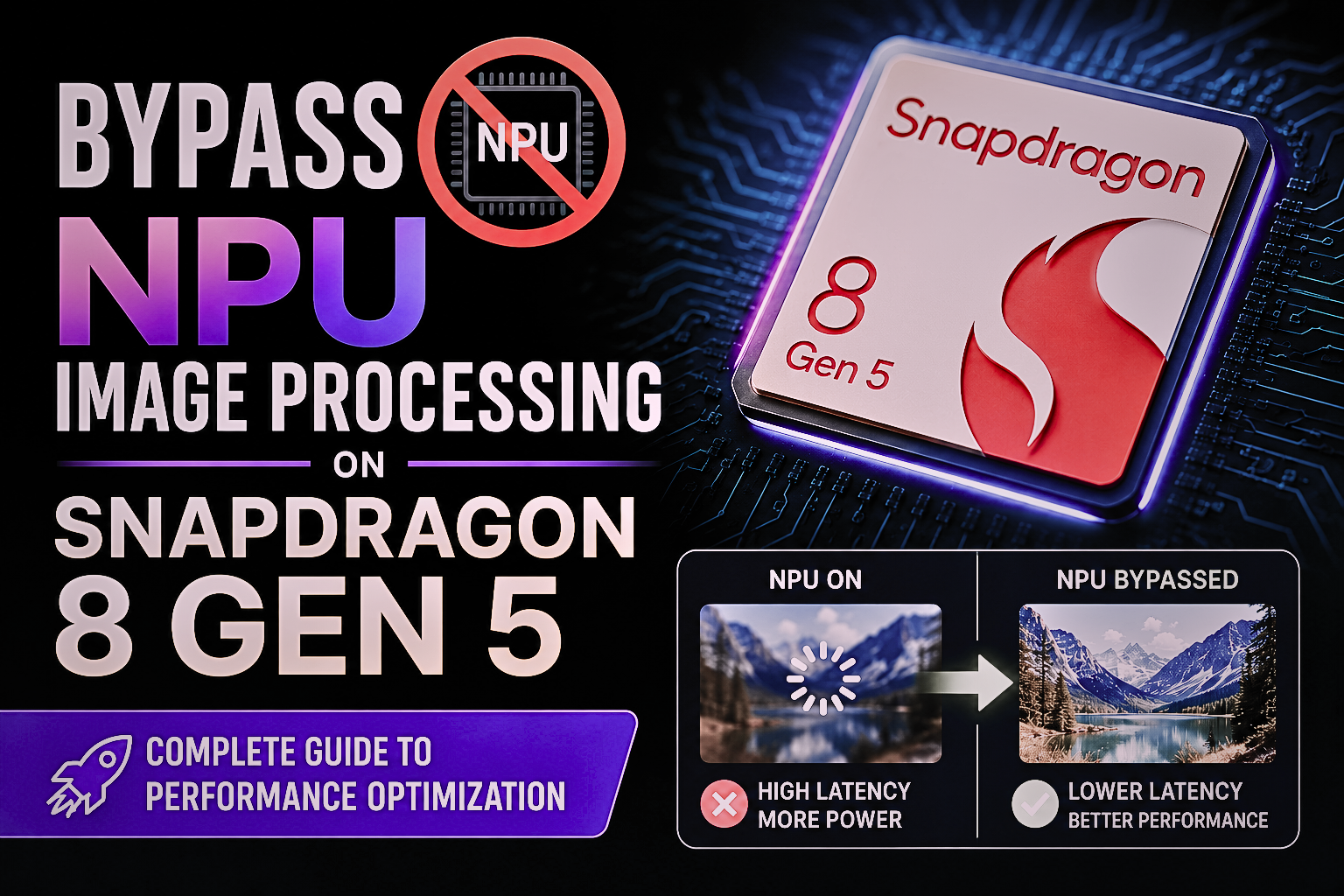
The most advanced and powerful mobile processor is the Snapdragon 8 Gen 5. This processor has a super-powerful Hexagon NPU (Neural Processing Unit) designed for super-fast AI tasks, including image recognition, video editing with real-time video effects, photo editing, and smooth-quality photos. Basically, NUP focused on improving device speed and battery life, balanced against CPU or GPU performance.
Sometimes, the developers notice that image processing tasks bypass the NUP and run on other cores. This can slow down the device’s performance. Now we are going to explain how that happens and how to manage it. This is important for everyone to build AI apps on Snapdragon devices. Today, we are going to talk about bypass NPU Image processing on Snapdragon 8 Gen 5.
Why Does Bypass Happen?
Bypass: when an operation cannot be handled by the NPU. It’s too complicated for the NPU. Like, some advanced image filters or new normalized layers may not be properly supported. In these situations, the system will automatically send the task and schedule it to run on the CPU or GPU. Some of the frameworks, such as TensorFlow Lite and ONNX runtime, can also divert operations if they are unable to map the task appropriately for the NPU. Firmware variations are also a factor; some earlier Qualcomm Snapdragon software may not support all the latest AI capabilities.
Detecting Bypass NPU Image Processing on Snapdragon 8 Gen 5
Sometimes, it is hard to recognize when the NPU doesn’t do image processing. Qualcomm’s developers utilize the Qualcomm AI Engine direct SDK to track the execution and ensure validation of the cores engaged. Another one is latency monitoring. When inference jumpstarts, it may indicate that the task is being executed on the CPU rather than the NPU. AI framework logs may also expose or give you a clue about routing information. Test on actual devices, it must, since fallback problems could be concealed through development boards. This is the best way to detect the bypass NPU image processing on Snapdragon 8 Gen 5.
How to Reduce Bypass
Developers can take multiple ways to reduce bypass:
- Optimize models for NPU: Optimized with supportive operations, quantization, and simplified complex layers.
- Update software: Make sure that the software is up to date – Qualcomm frequently releases support for new functions.
Such actions mitigate the impact of using more tasks run directly on the NPU to benefit both speed and battery efficiency.
Risk and Trade-Offs
Preventing bypass can be difficult. Although quantisation boosts the performance of the NPU, the process could slightly decrease the accuracy. Additional engineering time is needed for profiling and optimization. However, the advantages are undeniable: smoother image processing, reduced latency, and increased efficiency. For image and video apps that need to be real-time, this improvement can make a huge impact.
Conclusion
As for the Bypass NPU image processing on snapdragon 8 Gen 5 image processor will be a problem that will require the attention of developers. Typically occurs when the operations are not supported or when frameworks redirect operations. Through execution monitoring, optimization, and ensuring software is up to date, developers can guarantee that their AI workloads fully leverage the Hexagon NPU. This results in quicker and more efficient image processing, and a more enjoyable user experience.